

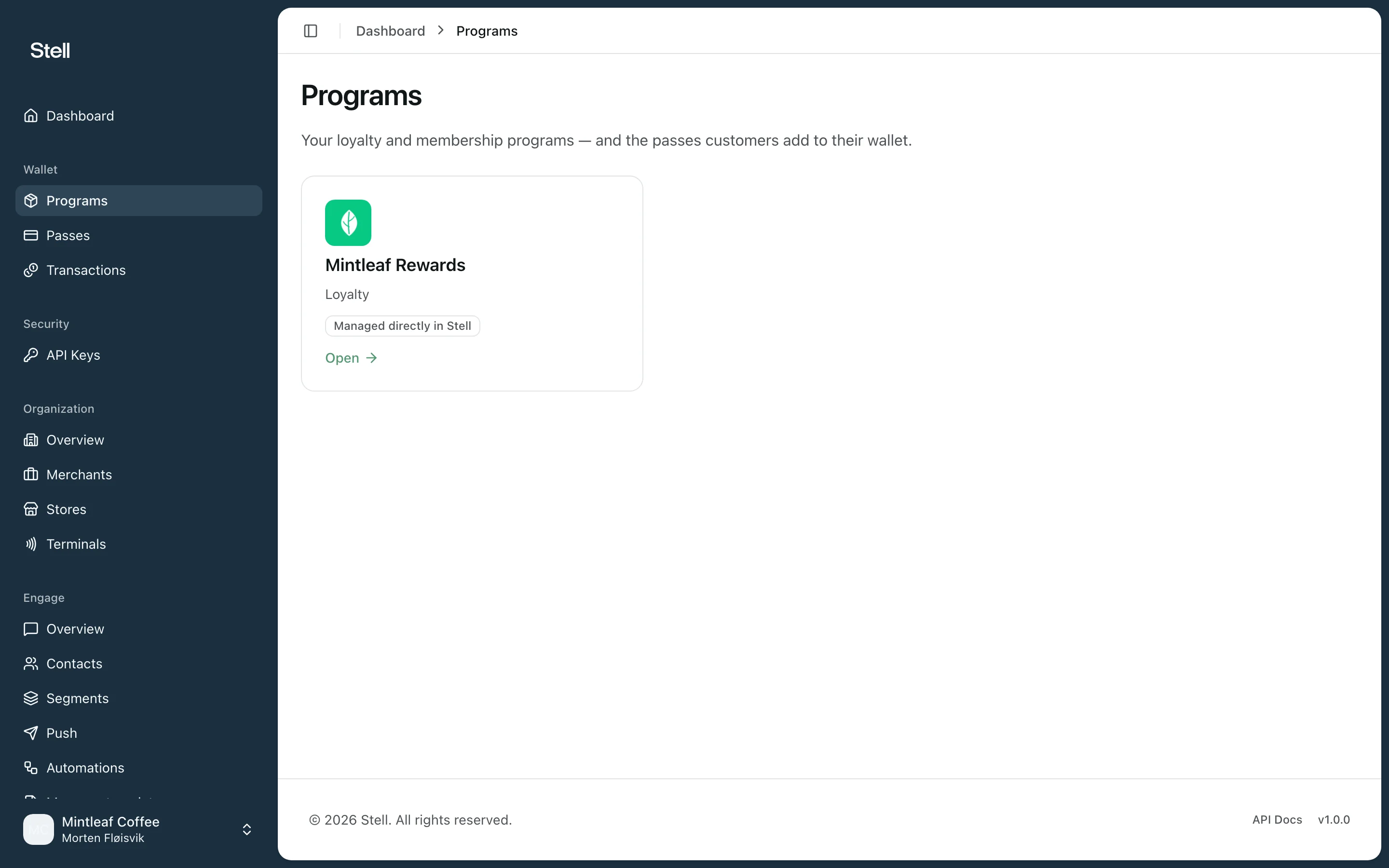
Your programs
Open Programs in the sidebar to see your company’s programs. Each card shows the program’s name, its type — Loyalty or Entry — and whether its pass template is set up. Click a card to open the program.Programs are set up for you by Stell. If a program is missing or you need a new one, contact support.
The program page
Each program page shows the program’s status and settings, its pass template and signing certificate, the passes issued under it, and its event webhooks in the API reference. See the program page for a walkthrough of every section.Next steps
- The program page — what you see and can do when you open a program.
- Pass templates — the most common thing you’ll do here is adjust how your pass looks.