

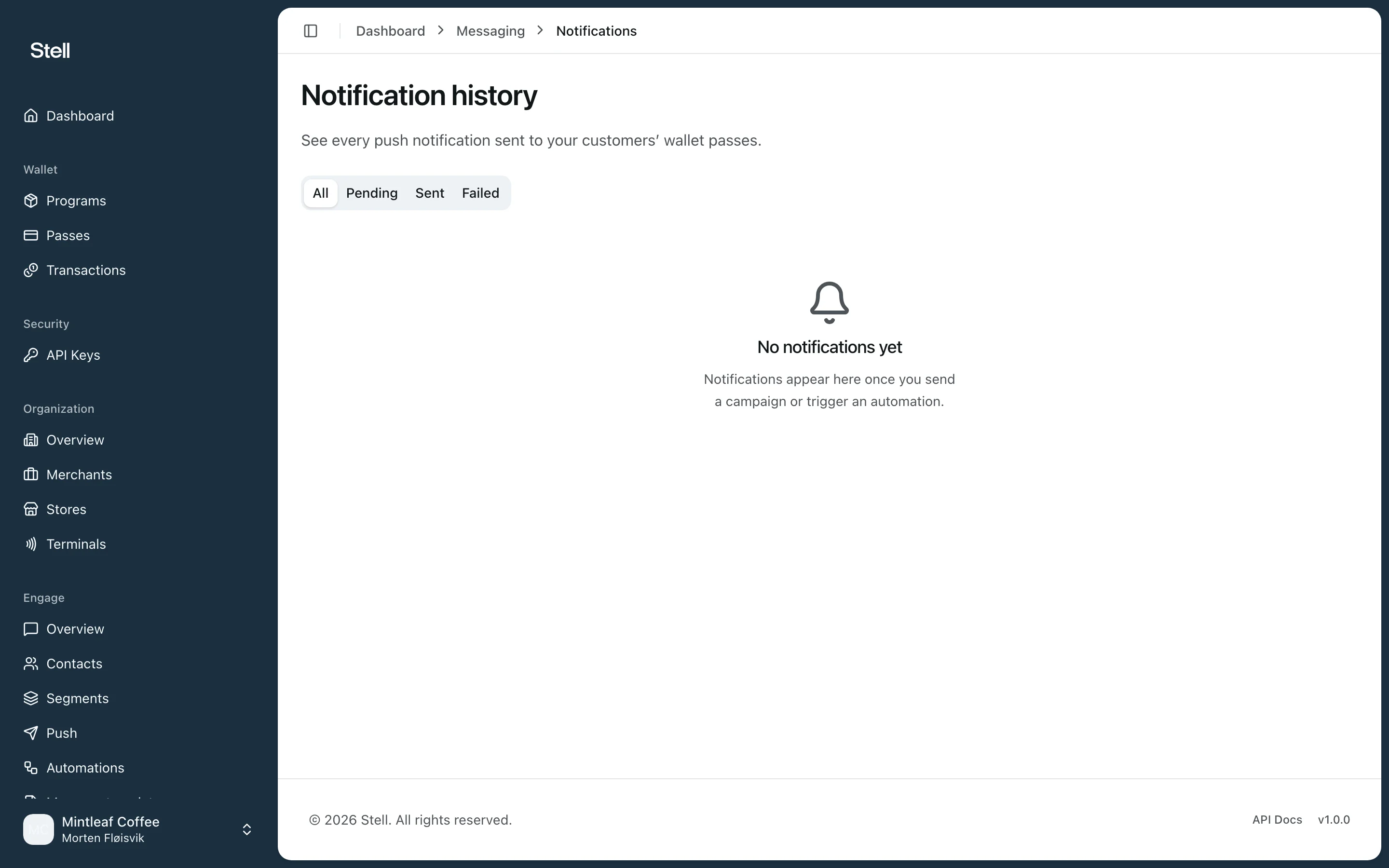
Reading the history
Notifications are grouped under All, Pending, Sent, and Failed. Each row shows:- Message — the delivered text, linking to the pass where relevant.
- Source — what produced it: a Campaign (links to the campaign), an Automation (links to the automation), or Direct (sent to a single contact from their detail view).
- Program, Status (Pending, Sent, or Failed), and the sent time.
Troubleshooting
- Pending notifications are queued — scheduled campaigns sit here until their send time.
- Failed notifications are kept under the Failed tab for troubleshooting. A common cause is the customer removing the pass from their wallet after the message was queued. If the same audience keeps failing, contact support with the notification details.