

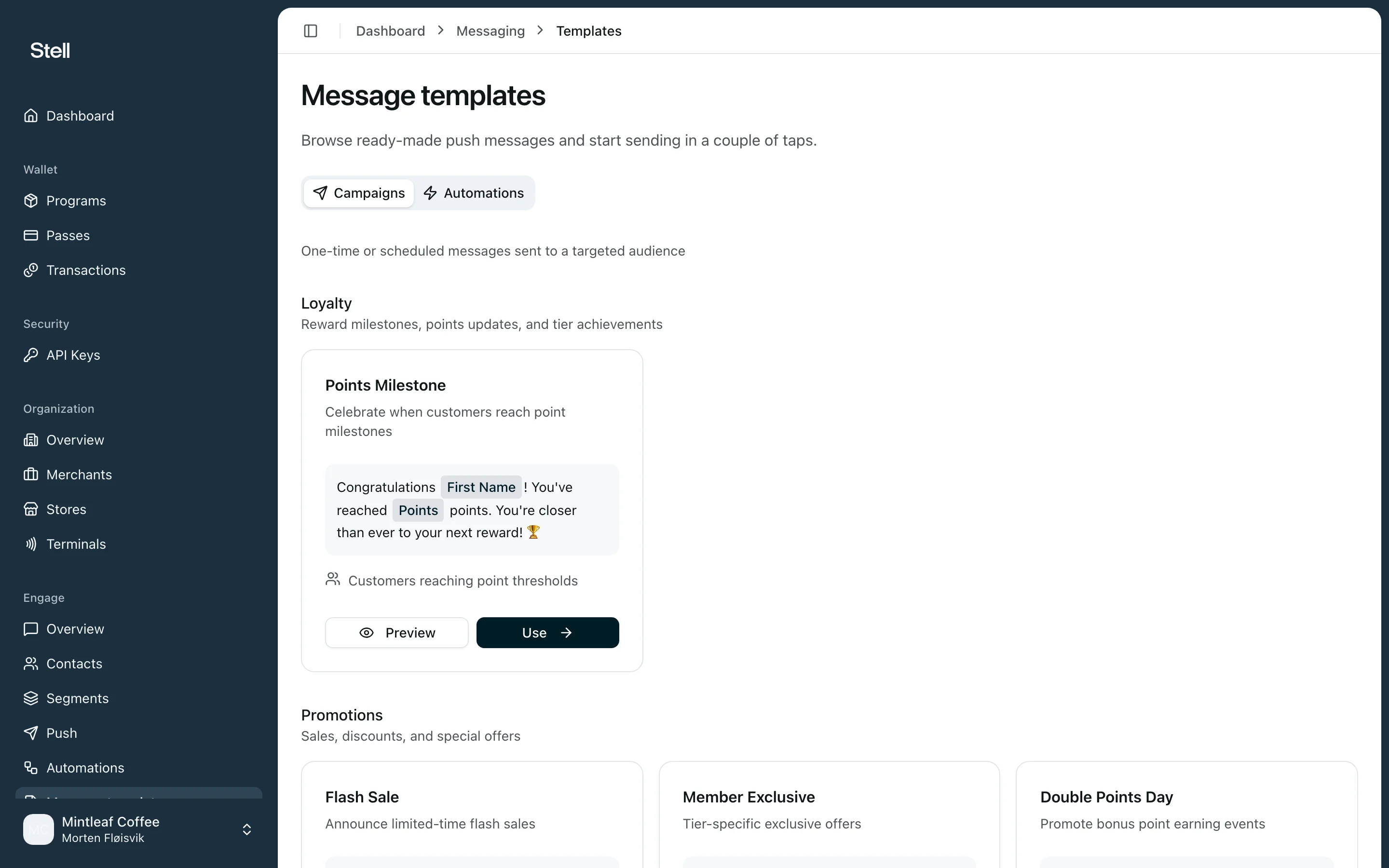
Use a template
- Open Message templates in the sidebar and browse the gallery. Each card shows the message with its personalization placeholders — like First Name — rendered as pills.
- Click Use Template on the one you want.
- The portal opens the right tool with the message pre-filled: a campaign for one-off messages, or a new automation with the matching trigger pre-selected for event-driven templates like birthdays.
- Adjust the text, choose your audience, and send as usual.
Placeholders
Placeholders are filled in per recipient when the message is sent.{{firstName}} becomes “Anna” for Anna and “Jonas” for Jonas. You can add or remove placeholders after picking a template — they work the same as the Insert variable picker in the campaign editor, and the preview always shows the message with realistic sample values.