

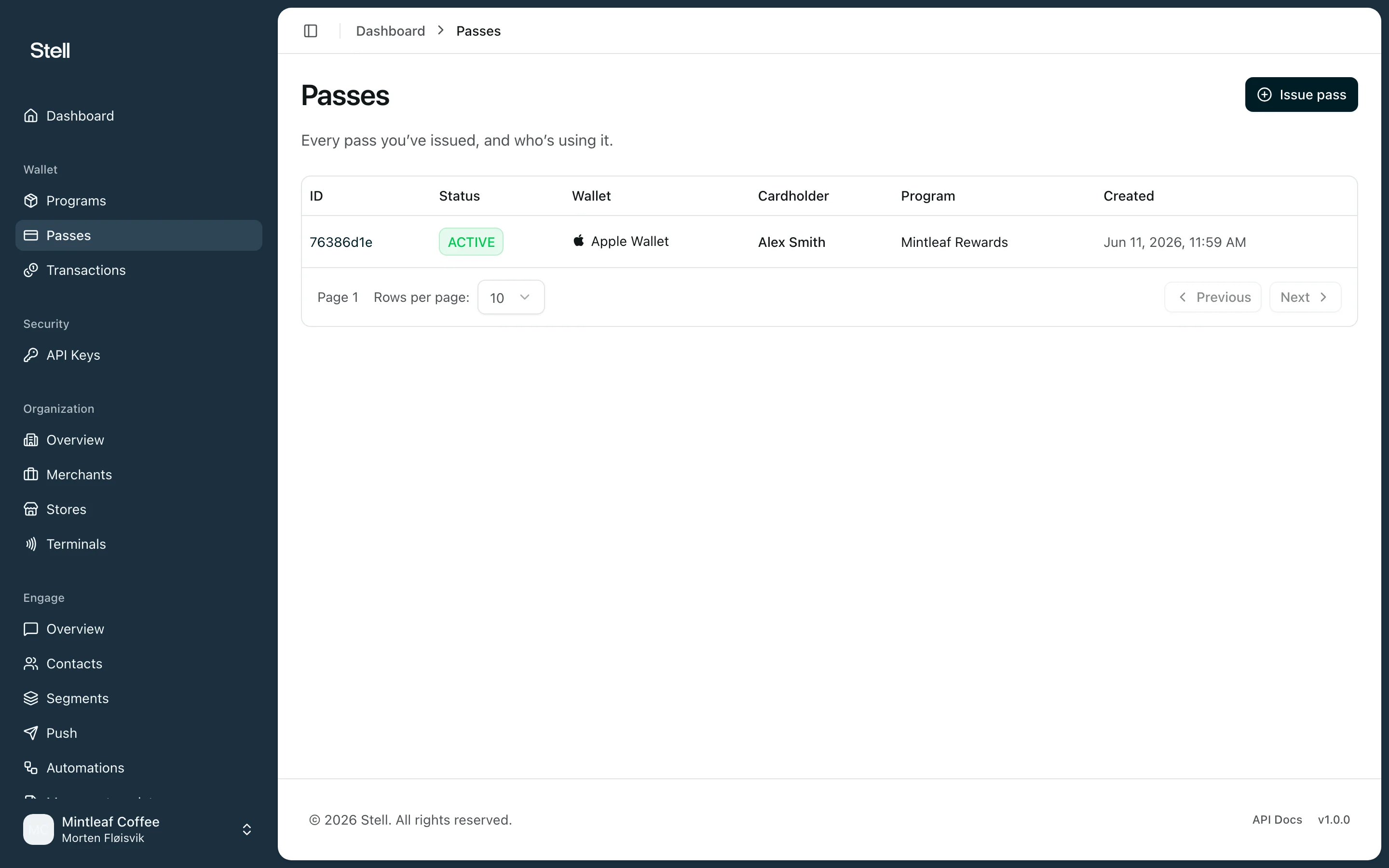
The passes list
Open Passes in the sidebar. Each row shows:
Click any row to open the pass detail page, where you can follow the pass’s status history, wallet installations, and transactions.
If your company hasn’t issued any passes yet, the list is empty — start with issuing a pass.
What you can do from here
- Issue pass — create a new pass for a customer. See issue a pass.
- Open a pass — click a row to inspect a single pass, send it a notification, or void it.