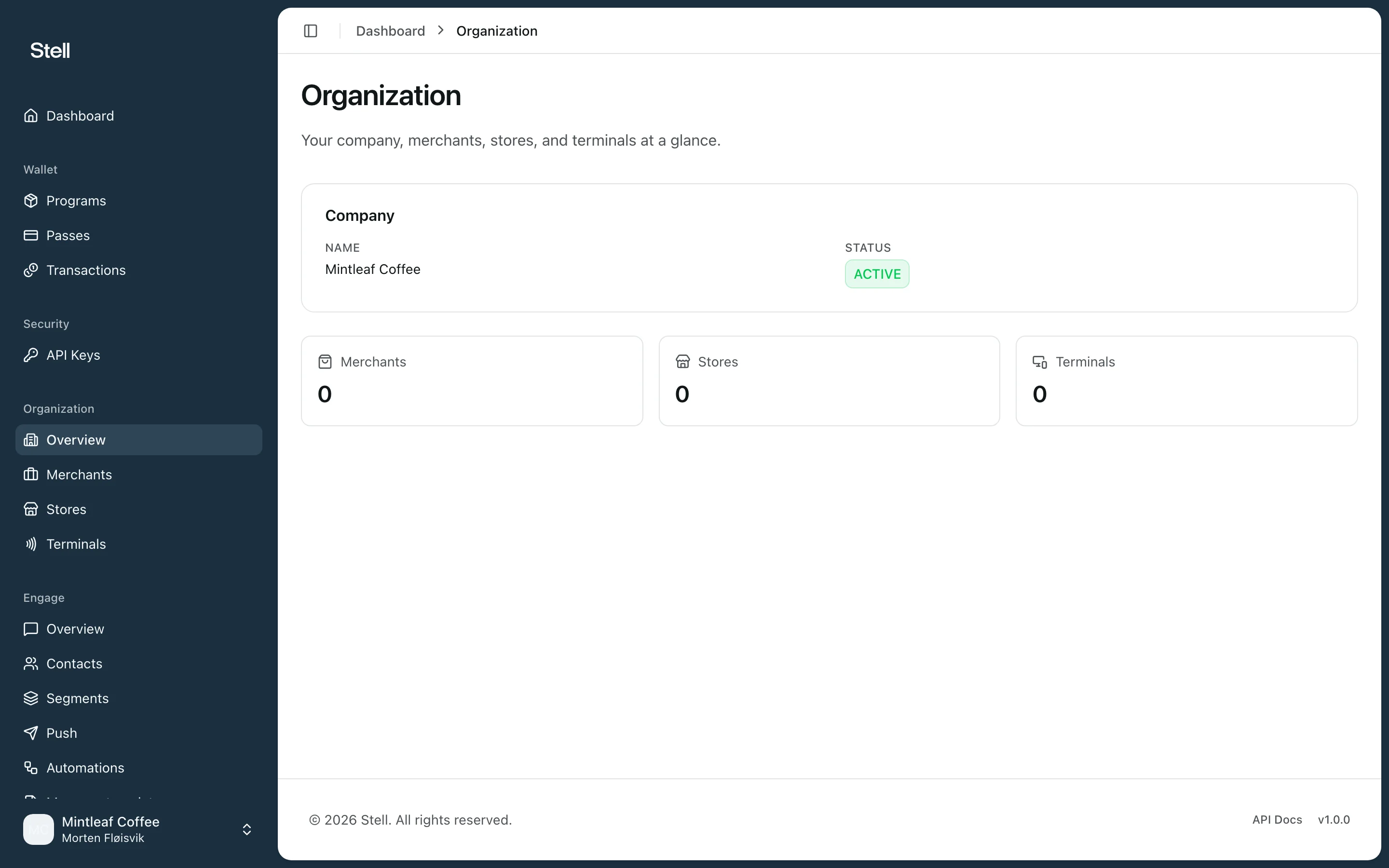
The Organization section shows how your company is set up in Stell: the merchants that make up your organization, their stores, and the terminals registered at each store. Organization overview
This section is read-only, and like Engage it’s an optional module — if you don’t see Organization in your sidebar, it isn’t enabled for your company. Changes to merchants, stores, or terminals are made by Stell — contact support to request them.

How it fits together

Company
└── Merchants — the businesses in your organization
    └── Stores — physical locations
        └── Terminals — the tap points where passes are used
A terminal is the registered tap point that produces transactions — it may be connected to physical NFC readers or a payment terminal, but in the portal you see the registered terminal itself.

What you can look up

  • Overview — your company details and counts of merchants, stores, and terminals.
  • Merchants — each merchant’s status, location, and its stores.
  • Stores — every store across your merchants, with address and contact details, and the terminals registered there.
  • Terminals — each terminal’s status, serial number, and home store.
These pages are most useful when you’re investigating a transaction: the transaction detail links straight to the store and terminal involved.