

Your public site
New visitors won’t go looking for your program. Put it where they already are:- Homepage banner. A short strip or section announcing the program, linking to the program page or straight to the enrollment link.
- A dedicated program page. The place every other channel can link to, and the one spot that explains the program properly.
- Footer link. Cheap, permanent visibility on every page.
- Order confirmation page. If you sell online, the post-purchase moment is ideal: the customer just demonstrated they’re coming back.
Earn with every cup Mintleaf Rewards lives in your phone’s wallet. No app, no plastic card. Every coffee counts automatically when you tap to pay, and your tenth is free.One headline, the benefit, three steps, one button to the enrollment link. A short FAQ below it (no app needed, works on iPhone and Android, what happens with my details) catches the hesitant.[ Join Mintleaf Rewards ] Questions? It works with Apple Wallet and Google Wallet, and there’s nothing to install.
- Join. 30 seconds, right from your phone
- Tap to pay like you always do, and your pass counts each visit
- Enjoy your free tenth coffee
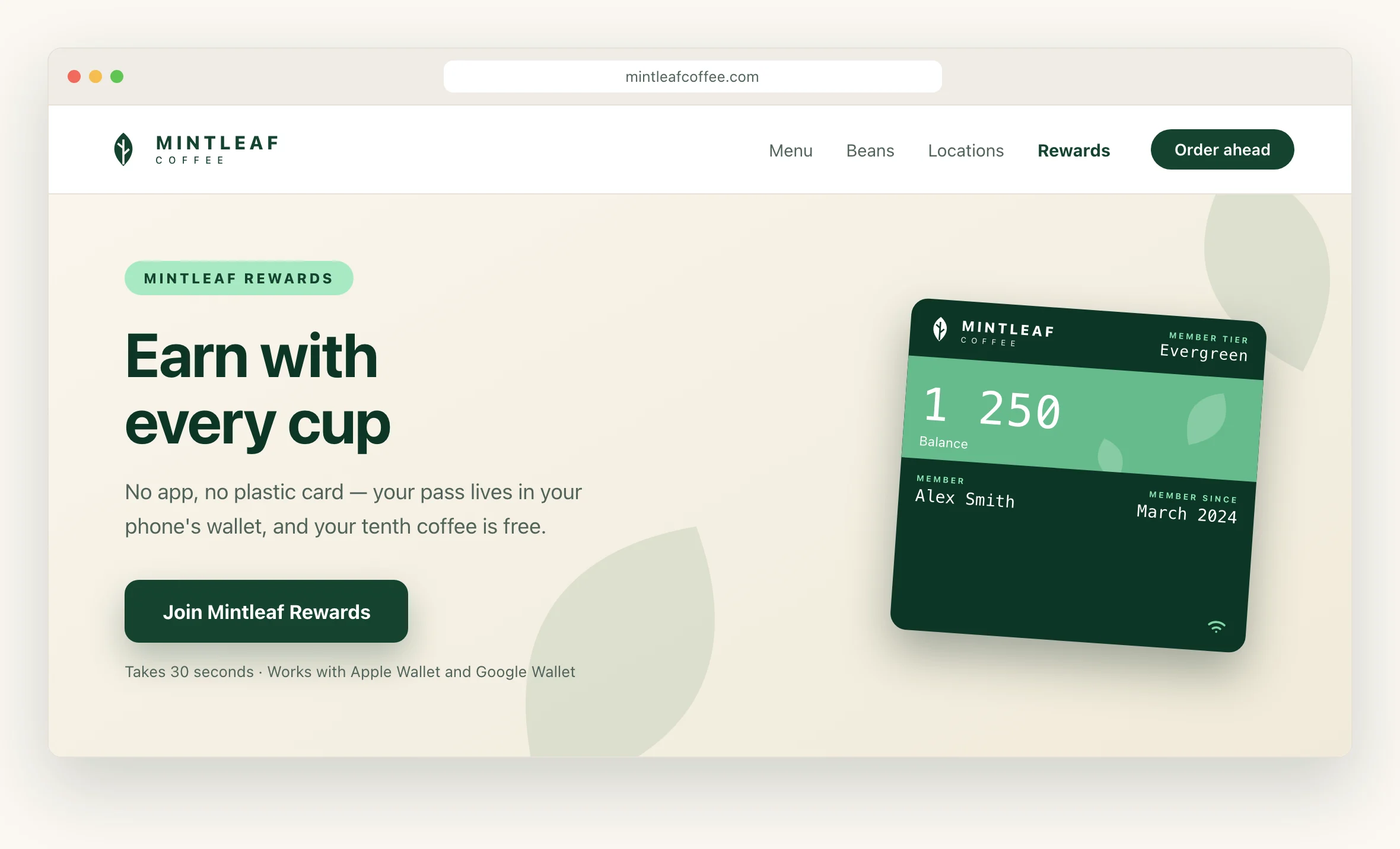
The homepage banner sends new visitors to the program page.
My page: one tap for signed-in members
The signed-in member page is the best home for the wallet button widget. The member is identified, so the widget issues their pass on a single tap: no form, no typing, no drop-off. Setup, options, and the embed snippet are all on the widget page. What’s left is placement:- Account dashboard. The first thing a member sees after signing in.
- A “my benefits” or “my membership” section. Where members already look for perks.
- Post-purchase page. They’re signed in, they just bought something, and the pass would have counted it.
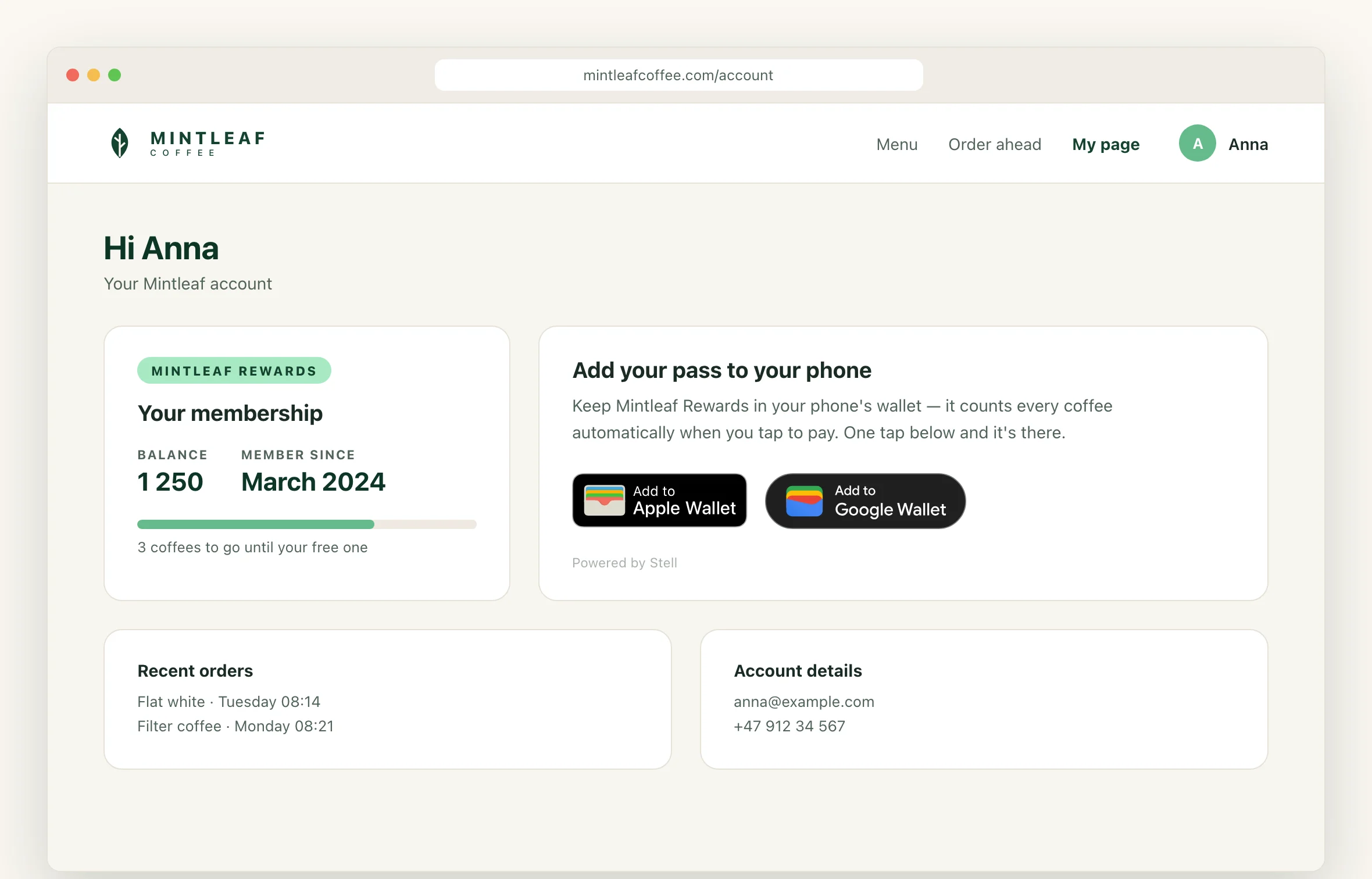
A signed-in member gets the pass in one tap, with no form.