> ## Documentation Index
> Fetch the complete documentation index at: https://docs.getstell.com/llms.txt
> Use this file to discover all available pages before exploring further.
# Programs
> What a program is and how to manage your company's programs
A **program** is the foundation everything else builds on: it defines a pass your customers can add to their wallet — for example a loyalty card or an entry pass — together with how that pass looks and behaves.
 ## Your programs
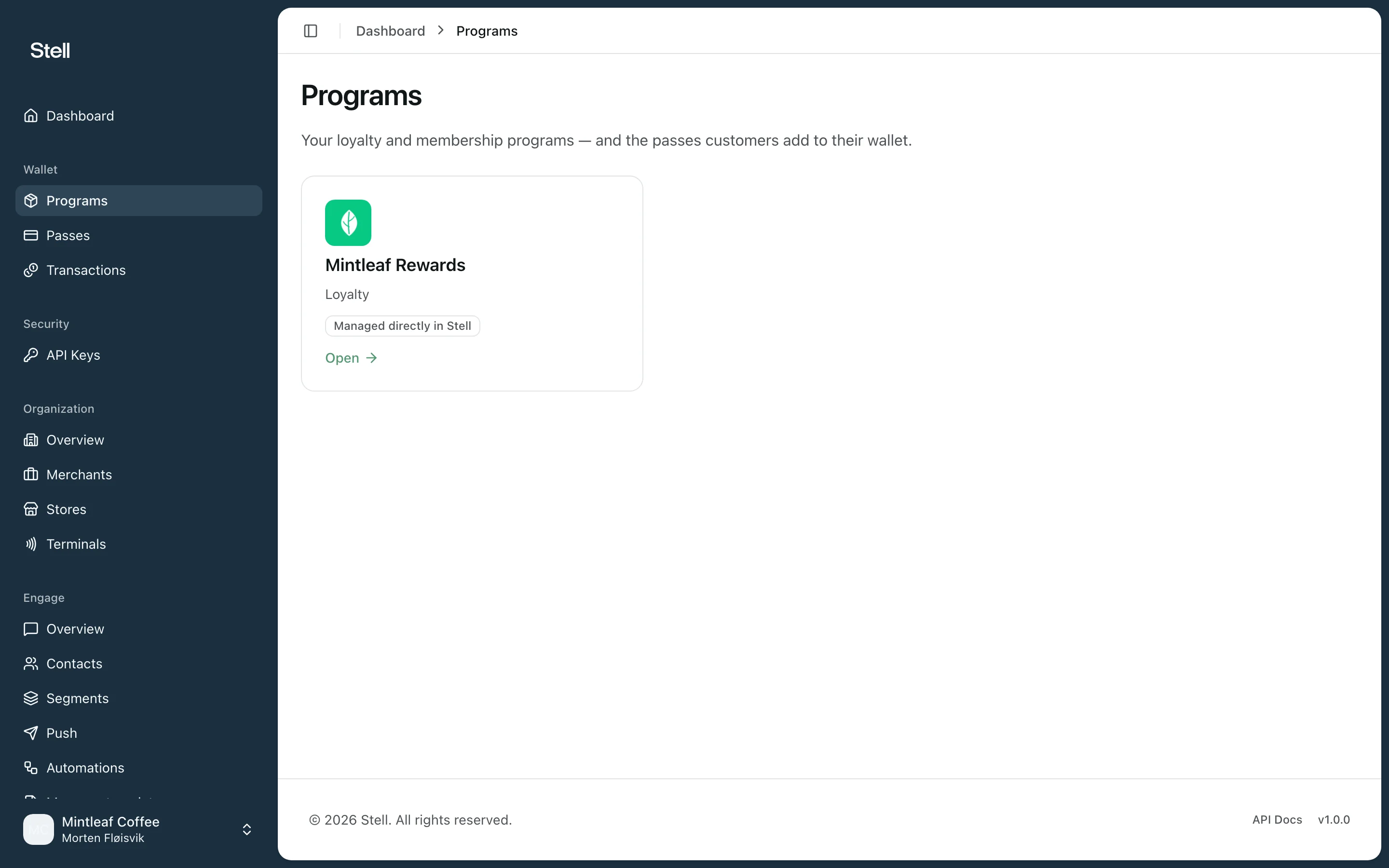
Open **Programs** in the sidebar to see your company's programs. Each card shows the program's name, its type — **Loyalty** or **Entry** — and whether its pass template is set up. Click a card to open the program.
Programs are set up for you by Stell. If a program is missing or you need a new one, [contact support](/support/contact).
## The program page
Each program page shows the program's status and settings, its pass template and signing certificate, the passes issued under it, and its [event webhooks](/programs/webhooks). See [the program page](/programs/the-program-page) for a walkthrough of every section.
## Next steps
* [The program page](/programs/the-program-page) — what you see and can do when you open a program.
* [Pass templates](/pass-templates/overview) — the most common thing you'll do here is adjust how your pass looks.
## Your programs
Open **Programs** in the sidebar to see your company's programs. Each card shows the program's name, its type — **Loyalty** or **Entry** — and whether its pass template is set up. Click a card to open the program.
Programs are set up for you by Stell. If a program is missing or you need a new one, [contact support](/support/contact).
## The program page
Each program page shows the program's status and settings, its pass template and signing certificate, the passes issued under it, and its [event webhooks](/programs/webhooks). See [the program page](/programs/the-program-page) for a walkthrough of every section.
## Next steps
* [The program page](/programs/the-program-page) — what you see and can do when you open a program.
* [Pass templates](/pass-templates/overview) — the most common thing you'll do here is adjust how your pass looks.